

Introduction
How U.S. households track money has evolved significantly over the past two decades. Where paper ledgers and basic spreadsheets once dominated, many consumers now rely on digital budgeting tools that automatically aggregate transactions from banks and credit cards. Yet spreadsheets remain widely used, particularly by households seeking flexibility, transparency, or offline control.
Public data shows that budgeting tools are not merely convenience products—they reflect broader shifts in how consumers interact with financial data. According to the Federal Reserve, the majority of U.S. adults use online or mobile banking, and a growing share manage finances digitally. At the same time, survey data from the Consumer Financial Protection Bureau (CFPB) highlights that consumers vary widely in comfort with automation, data sharing, and financial technology.
This article provides a neutral, educational, U.S.-specific deep dive into digital budgeting tools versus spreadsheets. It explains how each approach works, what public data suggests about adoption and use, and how households typically evaluate tradeoffs—without offering advice, recommendations, or endorsements.
What “Budgeting Tools” Means in a U.S. Context
In consumer education, budgeting tools generally fall into two broad categories:
- Digital budgeting tools
- Spreadsheet-based tracking
Both serve the same foundational purpose: organizing income, expenses, and cash flow. They differ in automation, data sources, customization, and privacy implications.
Budgeting tools are not regulated financial products. They are discussed in CFPB materials as personal financial management aids, not as substitutes for professional services.
Digital Budgeting Tools: How They Work
Core Features
Digital budgeting tools typically:
- Connect to bank and credit card accounts
- Import transactions automatically
- Categorize spending using algorithms
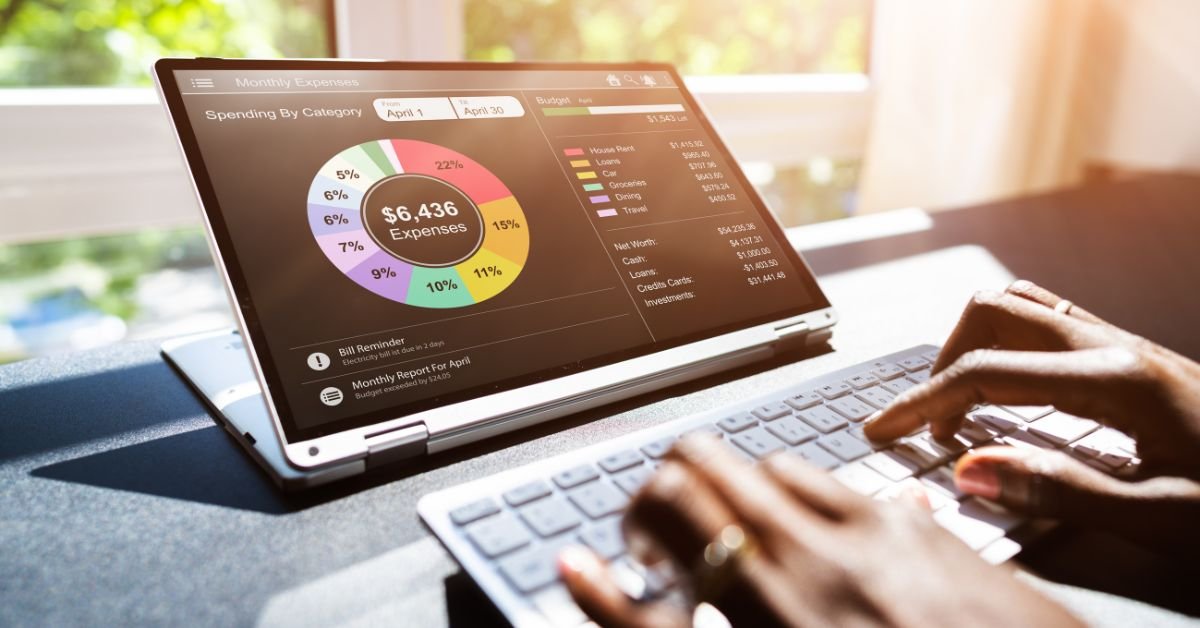
- Display dashboards, charts, and alerts
These tools rely on financial data aggregation, often using third-party services to access account information with consumer permission.
Automation and Real-Time Data
Automation is the defining feature. Once connected:
- Transactions appear shortly after posting
- Categories are assigned automatically
- Monthly totals update continuously
According to Federal Reserve research on digital banking adoption, automation is cited by users as a primary reason for adopting financial apps.
Types of Digital Budgeting Tools
In the U.S. market, digital tools commonly fall into:
- Bank-provided budgeting dashboards
- Independent personal finance apps
- Employer-linked financial wellness platforms
This article does not evaluate or compare specific products.
Spreadsheets: How They Are Used for Budgeting
What Spreadsheet Budgeting Involves
Spreadsheet budgeting uses:
- Programs such as Excel or Google Sheets
- Manually entered or imported data
- Custom formulas and categories
Spreadsheets remain popular due to:
- Full control over structure
- No mandatory data sharing
- Offline access options
Manual vs. Semi-Automated Use
Households may:
- Enter transactions manually
- Download CSV files from banks and upload them
- Combine automation with manual adjustments
This hybrid approach is common among spreadsheet users.
Adoption Trends: What the Data Shows
Digital Financial Tool Adoption
Federal Reserve surveys indicate:
- Over 75% of U.S. adults use online banking
- More than 60% use mobile banking
While not all online banking users use budgeting tools, these figures show a broad foundation for digital financial tracking.
Spreadsheet Use Remains Common
Private surveys and academic research consistently show:
- Spreadsheets are still widely used for budgeting
- Higher adoption among self-employed households and small business owners
- Continued use among households prioritizing customization
Spreadsheets persist despite digital alternatives due to low cost and flexibility.
Accuracy and Data Control
Digital Tools
Pros:
- Reduced manual entry errors
- Consistent transaction feeds
Limitations:
- Misclassification of transactions
- Dependence on data connectivity
- Occasional syncing delays
CFPB consumer education materials note that automated categorization is imperfect and may require user review.
Spreadsheets
Pros:
- User-defined categories
- Full transparency of calculations
Limitations:
- Manual data entry errors
- Time-intensive upkeep
- Requires basic spreadsheet literacy
Accuracy depends entirely on user input.
Privacy and Data Sharing Considerations
Digital Tools
Digital tools require:
- Permission to access financial accounts
- Reliance on third-party aggregators
CFPB and FTC guidance emphasizes:
- Reviewing privacy policies
- Understanding data sharing arrangements
- Knowing how data is stored and used
Spreadsheets
Spreadsheets typically:
- Store data locally or in cloud storage chosen by the user
- Do not require bank credentials
This makes spreadsheets attractive to privacy-conscious users.
Cost Structures
Digital Budgeting Tools
Costs may include:
- Free tiers with limited features
- Subscription fees
- Premium analytics or reporting
This article does not evaluate cost effectiveness.
Spreadsheets
Costs are generally:
- Free (using existing software)
- Limited to software licenses if applicable
Cost predictability is a common reason households choose spreadsheets.
Customization and Flexibility
Digital Tools
Customization may be limited to:
- Predefined categories
- Preset reporting views
Some tools allow advanced customization, but structure is typically constrained by the platform.
Spreadsheets
Spreadsheets allow:
- Fully custom categories
- Tailored formulas
- Multi-scenario modeling
This flexibility appeals to households with complex or irregular finances.
Budgeting and Income Volatility
The Bureau of Labor Statistics Consumer Expenditure Survey shows that:
- Income variability is common
- Expenses do not align neatly with pay cycles
Households with variable income may prefer:
- Spreadsheets for scenario planning
- Digital tools for transaction tracking
Both approaches address different aspects of volatility.
Budgeting, Credit, and Cash Flow Awareness
Budgeting tools—digital or spreadsheet-based—are often used to:
- Track revolving credit balances
- Monitor recurring bills
- Observe cash flow timing
CFPB education materials emphasize that budgeting improves visibility, not outcomes by itself.
Behavioral Factors
Automation Bias
Digital tools may:
- Reduce friction
- Increase reliance on automated categorization
Some consumers report reduced engagement with raw data.
Manual Engagement
Spreadsheets require:
- Active participation
- Regular review
Behavioral research suggests manual tracking increases awareness but may reduce consistency.
Common Misconceptions
“Digital Tools Are Always Better”
Automation does not guarantee accuracy or suitability.
“Spreadsheets Are Outdated”
Spreadsheets remain widely used and adaptable.
“One Method Fits Everyone”
Household needs vary by income, complexity, and preferences.
Budgeting Tools and Financial Resilience
The Federal Reserve’s SHED survey shows:
- Many households lack emergency savings
- Visibility into expenses is a common challenge
Budgeting tools support awareness but do not eliminate structural financial pressures.
Choosing a Method: A Neutral Framework
Consumer education sources often suggest evaluating:
- Comfort with technology
- Privacy preferences
- Income complexity
- Time availability
This article does not recommend a specific approach.
Summary: A U.S. Data-Based Perspective
From a neutral, U.S. consumer education standpoint:
- Digital budgeting tools emphasize automation and convenience
- Spreadsheets emphasize control and customization
- Both are widely used
- Adoption reflects broader digital banking trends
- Tradeoffs involve accuracy, privacy, cost, and engagement
Budgeting tools are organizational aids, not financial solutions.
Author Information
Written by:
Asim Iftikhar — Real Estate Contributor, ACT Global Media
Asim Iftikhar is a Florida-licensed real estate professional, notary public, and residential real estate investor with over 15 years of experience.
Editorial Disclosure
This article is provided for general informational purposes only and does not constitute financial, legal, tax, or investment advice.
Regulatory Notice
Financial tools, features, and data practices vary by provider and user circumstance. Information is based on publicly available U.S. sources.
